
Settings
Settings is the company control panel: who is on the team, how the pipeline looks, how you sign in, and how Tuesday talks to customers.
Open it from the last item in the sidebar, or from your name in the header (only if you have the Settings module).
The hub subtitle: Company details, users, custom fields, subscription, and integrations.
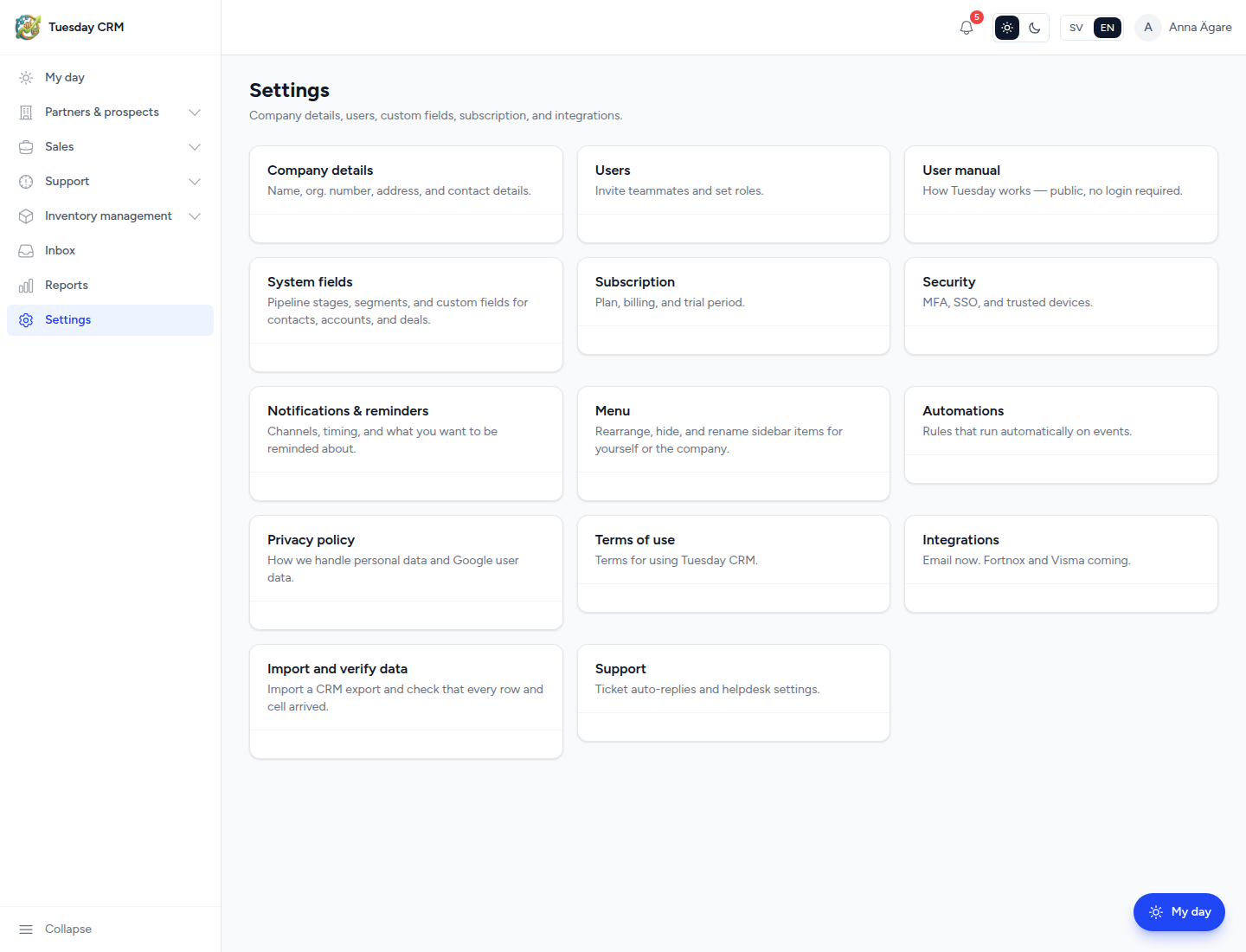
Each card opens one page. ← Settings on a sub-page returns to this grid.
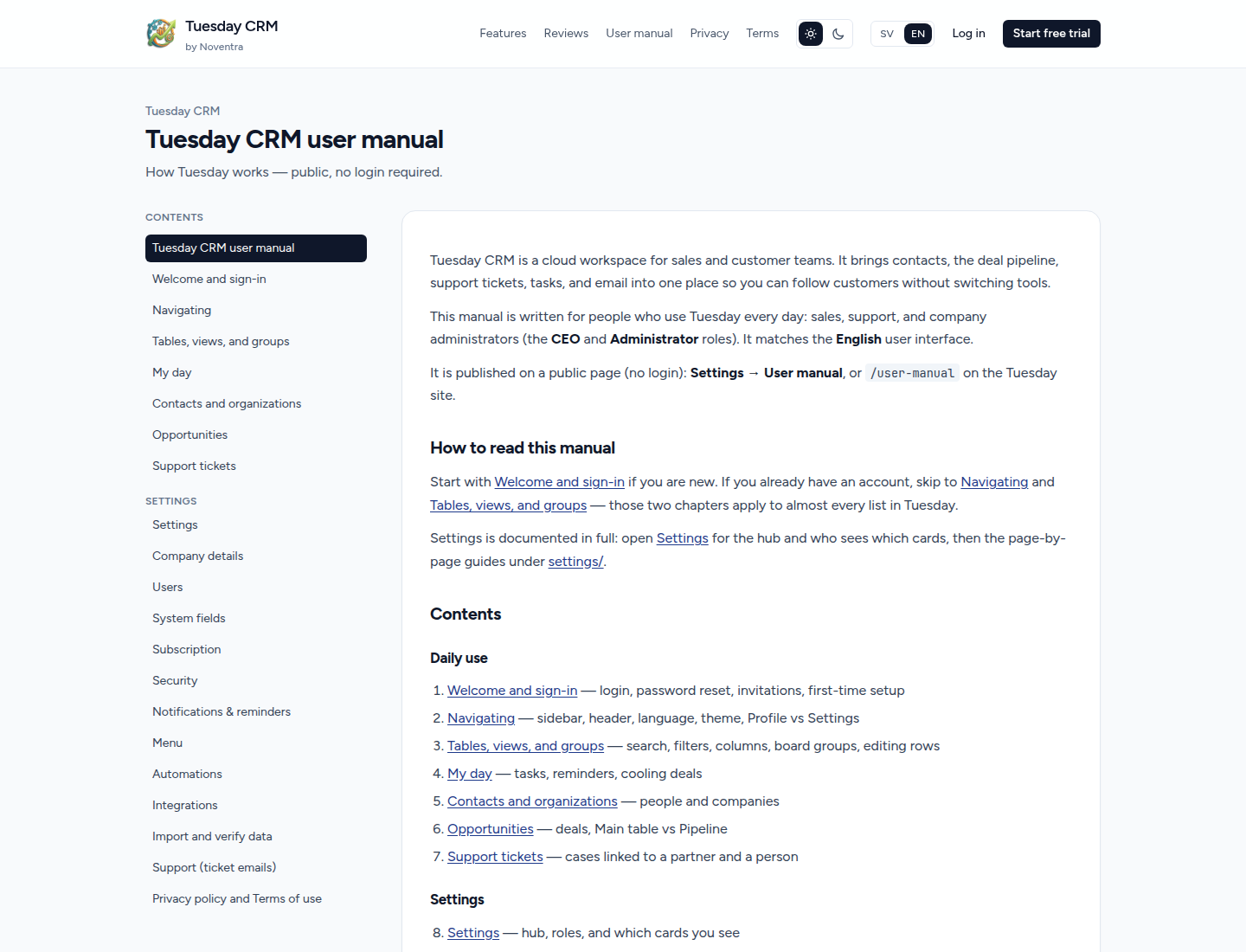
User manual, Privacy policy, and Terms of use open in a new tab (public pages, not editors). The user manual is public: anyone can open it without signing in, and it cannot be hidden from the hub.
Who can open Settings
| Role | Settings module | Hub cards you see by default |
|---|---|---|
| CEO / Administrator | Always | All cards below |
| Sales / Support / Quality Control / Viewer | Yes, unless an admin turns the module off | Users, User manual, System fields, Notifications & reminders, Menu, Automations*, Privacy policy, Terms of use |
| Partner | Never | The sidebar link is hidden; the URL is blocked |
* Automations only appears if your company’s plan includes automations.
A CEO or Administrator can show or hide individual cards for a non-admin user (gear icon on Users). Users cannot be hidden for those people. CEO and Administrator always see every card.
If you do not have the Settings module at all, the sidebar item and header link are missing.
Hub cards
| Card | What it is for |
|---|---|
| Company details | Your company’s name, address, and system sender email/phone |
| Users | Invite colleagues, roles, deal visibility, module access |
| User manual | This guide, on a public page (no login). Always shown. |
| System fields | Pipeline stages, custom fields, segments |
| Subscription | Trial, plan, and billing |
| Security | MFA, trusted devices, login history (your account) |
| Notifications & reminders | How and when you are reminded |
| Menu | Your sidebar, or the company default |
| Automations | Rules that run on CRM events |
| Privacy policy | Public privacy page (new tab) |
| Terms of use | Public terms page (new tab) |
| Integrations | Email (via Inbox) |
| Import and verify data | Upload an export and check every cell |
| Support | Automatic “ticket received” emails |
Settings vs Profile
Your name, password, and delete account are on Profile (header → your name). Language and theme are also in the header. Settings is for the company and for account security extras (MFA). See Navigating.
Superadmin cards
If you are a Noventra platform operator, three extra cards appear: Superadmin, Login log, and Generate demo data. Company users do not see them. This manual does not document those tools.
If the trial has ended
People who cannot open billing see a locked page: the trial has ended and a CEO or Administrator must renew. Billing itself stays reachable for admins even when the rest of the app is limited. See Subscription.