
Welcome and sign-in
Tuesday CRM is built for sales and customer teams: contacts and organizations, a deal pipeline, support tickets, tasks, and email in one workspace.
Open the login page for your company workspace (for example https://tuesday.nowentra.se/login).
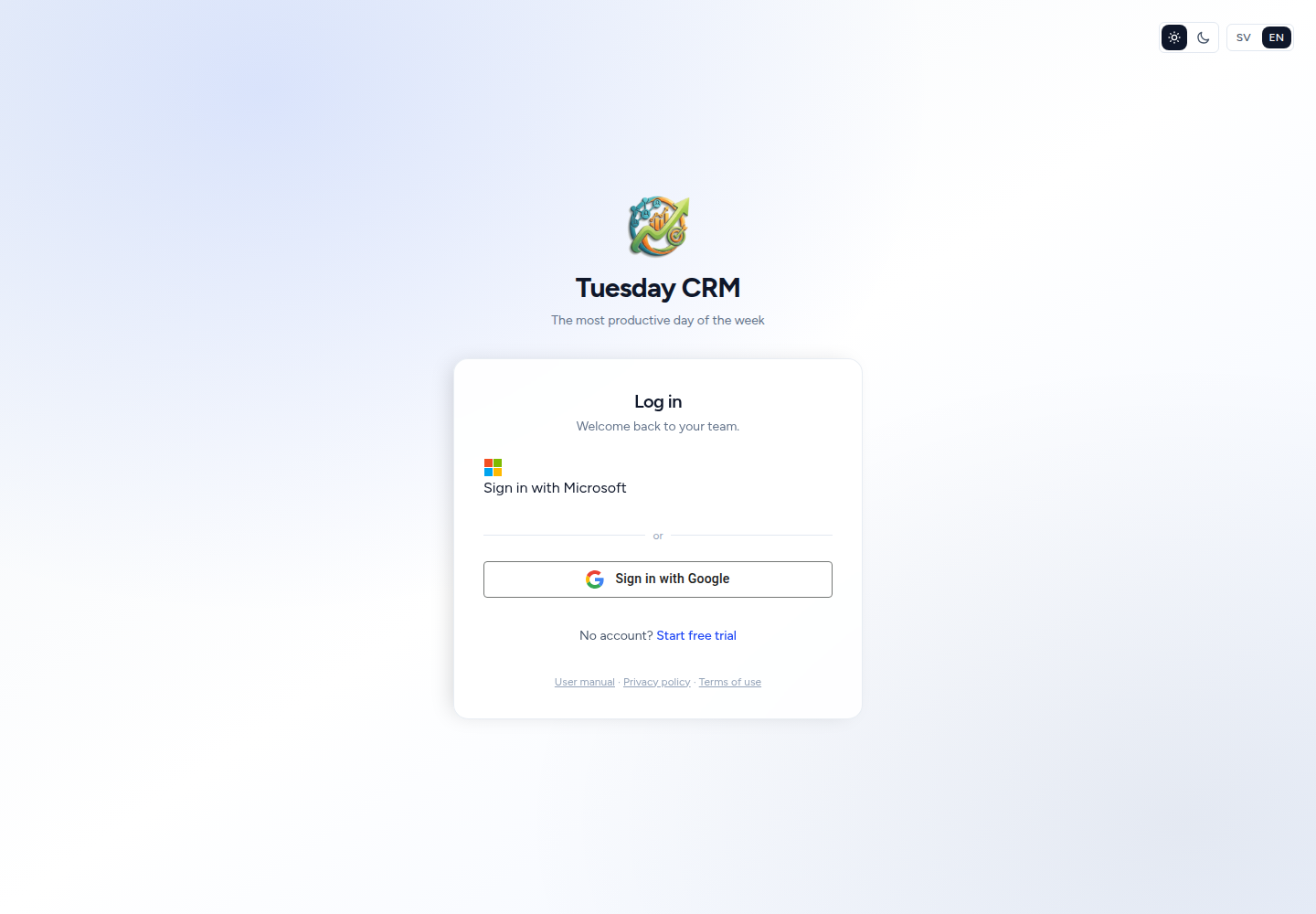
Log in
- Enter your Email and Password.
- Optionally tick Remember me so you stay signed in on this browser.
- Click Log in.
If they are connected, you may also see:
- Sign in with Microsoft (shown first)
- Sign in with Google (further down the page)
Those buttons match an existing Tuesday user by email. Create the account first (trial signup or invitation) with the same address as your Microsoft or Google account, then use the button.
Forgot your password?
- On the login page, click Forgot your password?
- Enter your email and click Email password reset link.
- If that address is in Tuesday, you receive a reset email. Open it and choose a new password.
Passwords must be at least 8 characters and include uppercase, lowercase, and a number.
Two-factor authentication (MFA)
If you (or an administrator) turned on MFA under Settings → Security, Tuesday asks for a second factor after your password:
- A 6-digit code from an authenticator app, or
- A one-time code sent to your email or phone (SMS), or
- A recovery code you saved when you enabled MFA
You can tick trust this device so Tuesday skips MFA on that browser for a period of days. Trusted devices are listed on the Security page, where you can revoke them.
Invitation (joining a team)
When a colleague invites you from Settings → Users, you receive an email with a link.
- Open the invitation link.
- Set your name and password (and complete any extra steps shown).
- You land in Tuesday with the role they chose (Sales, Support, Partner, and so on).
If the link has expired, ask them to send a new invitation.
New company: start a trial
If you do not have an account yet:
- On the login page, click Start free trial (or open Register).
- Enter Company name, Your name, email, and a password.
- After you verify your email (if asked), Tuesday opens Get started.
Get started is a short owner wizard:
- Choose your industry — Tuesday can prepare a pipeline, custom fields, and automations that fit.
- Confirm company details (used on documents and system emails).
- Optionally Invite your team now, or do it later under Settings → Users.
- Optionally Import contacts from a CSV.
- Finish. You can connect email later from Inbox.
You can leave the wizard and return later. Company details, users, and imports are always available under Settings.
After you sign in
Tuesday opens the first module you are allowed to use — often My day. If your trial has expired and you are not an administrator, you may see a locked subscription screen instead of the app. Ask a CEO or Administrator to renew under Subscription.
Partner users see a shorter menu (contacts, sales, and support that belong to their partner account). They do not have Settings.
Next: Navigating.