
Notifications & reminders
Settings → Notifications & reminders
Choose how Tuesday nags you — and about what. These are your preferences, not the whole company’s.
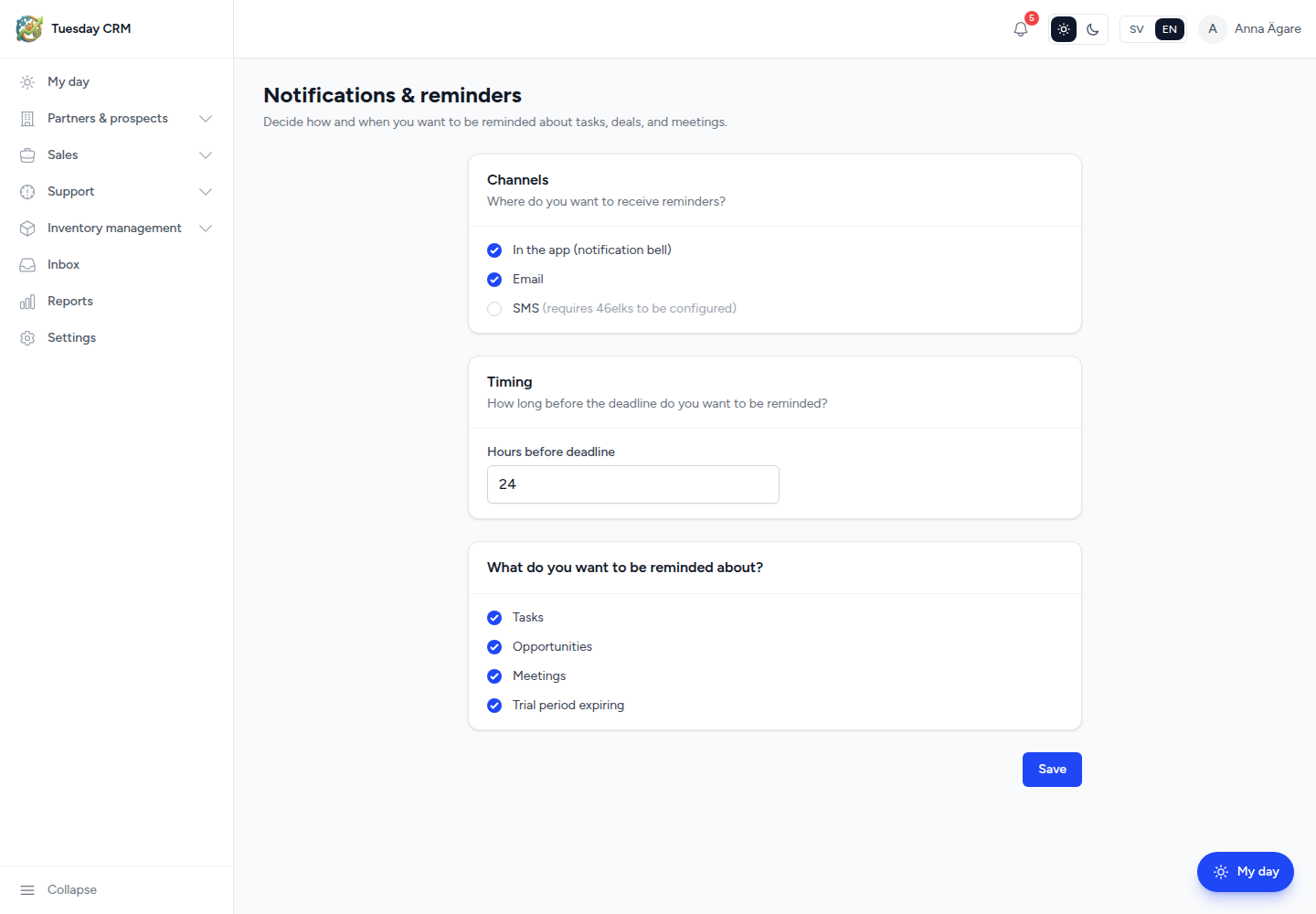
Decide how and when you want to be reminded about tasks, deals, and meetings.
Who can open this
Sales, Support, Quality Control, Viewer, CEO, and Administrator by default (any internal role that can open Settings).
Channels
Where do you want to receive reminders?
| Option | What happens |
|---|---|
| In the app (notification bell) | Items appear on the header bell and support My day |
| A message to your user email | |
| SMS | A text message, if 46elks (or the configured SMS provider) is set up. The UI notes when SMS requires configuration. |
You can enable more than one channel.
Timing
How long before the deadline do you want to be reminded?
Set Hours before deadline between 0 and 168 (one week). 0 means at the deadline. This applies to items that have a due time (tasks, meetings, and similar).
What you want to be reminded about
Tick any combination of:
- Tasks
- Opportunities
- Meetings
- Trial period expiring
Unticked types stay silent even if a channel is on.
Save
Click Save settings. Changes apply to the next reminders Tuesday sends — they do not rewrite old notifications.
← Settings